 Nadia Mohamed
Measurement
Bing Rank Tracker: How to Track Bing Rankings (and Which Number to Trust)
A Bing rank tracker is a tool that checks where your pages appear in Bing’s search results for a fixed list of keywords, usually every day, from a location and device you choose. It is different from Bing Webmaster Tools, which reports the average position real searchers saw. Most teams need to understand both numbers before they pay for either.
I work on technical SEO and AI-search visibility for SaaS companies, and Bing comes up in nearly every engagement now. That is less because of Bing’s own search share than because Microsoft Copilot pulls its web results from Bing. This guide covers what a Bing rank tracker measures and what Bing Webmaster Tools gives you for free. It also explains why the two numbers disagree, which tools track Bing today, and where Bing data stops being useful.
Key takeaways
- A Bing rank tracker records one sampled position per keyword, location and device. Bing Webmaster Tools reports an average of what real searchers saw.
- Bing’s share swings widely by device: Statcounter, US desktop, October 2026 puts Bing at 18.8% of US desktop search.
- Bing Webmaster Tools is the free baseline. It holds 24 months of search performance data, filterable by country and device.
- Microsoft’s public Bing Search APIs were retired in August 2025. Rank tracking tools now rely on their own collection or third-party SERP APIs.
- Bing data covers Microsoft surfaces only. It shows Copilot citations, but never ChatGPT citations.
What a Bing rank tracker measures, and what it can’t
A Bing rank tracker sends a query to Bing for each keyword on your list. It reads the results page that comes back and records the position of your domain and, usually, your competitors. Each check is set up for a location (country, city or postcode) and a device type. The tool repeats the check on a schedule, often daily, and charts the changes.
That makes a tracker’s number a sample: one results page, fetched from one configured context at one moment. It is useful because the context is fixed. If your position for “invoice software” in Germany on desktop drops from 4 to 9, something changed in Bing’s results for that context. That is a cleaner signal than any average.
What a tracker cannot tell you is how many people actually saw you, or what they saw. Bing results vary by location, language and device, so a tracker’s position describes the context it was configured for. It does not describe your whole audience.
There is also a newer gap. When Copilot uses the web, it does not search Bing with the user’s prompt. According to Microsoft’s Copilot documentation, Copilot generates a search query that it sends to the Bing search service. That query differs from the user’s original prompt and consists of a few words informed by it. Your tracked keyword list therefore only approximates the queries that decide whether Copilot can find your pages. The section on Copilot citations below covers how to see that layer.
Is Bing worth tracking? Check your market first
Before paying for daily Bing tracking, check how much Bing matters in the markets and on the devices you sell to. The answer changes a lot depending on which slice you look at.
In the United States, Bing is far stronger on desktop than across all devices. The 18.8% desktop share in the takeaways above sits against Google’s 74.86%. Across all platforms, the Statcounter, US all platforms figure for the same month is 9.78% for Bing and 85.45% for Google. Worldwide, Statcounter, worldwide puts Bing at 4.8%.
For B2B SaaS, the desktop figure is usually the relevant one. Buyers often research software at work, on work laptops. A product whose sign-ups come mostly from desktop traffic in the US may get a meaningful share of organic demand from Bing. A mobile-first consumer product in a market where Bing is marginal probably will not.
The practical step is to open Statcounter for each country you sell into, filter to desktop, and compare that with your own analytics. If Bing sends a visible share of your desktop organic sessions, daily tracking can be worth paying for. If it sends almost none, Bing Webmaster Tools on its own is enough.
The free option: Bing Webmaster Tools Search Performance
Bing Webmaster Tools is Microsoft’s free console for site owners, and its Search Performance report is the first place to check Bing rankings. For a verified site, it shows clicks, impressions, click-through rate and average position, by query and by page.
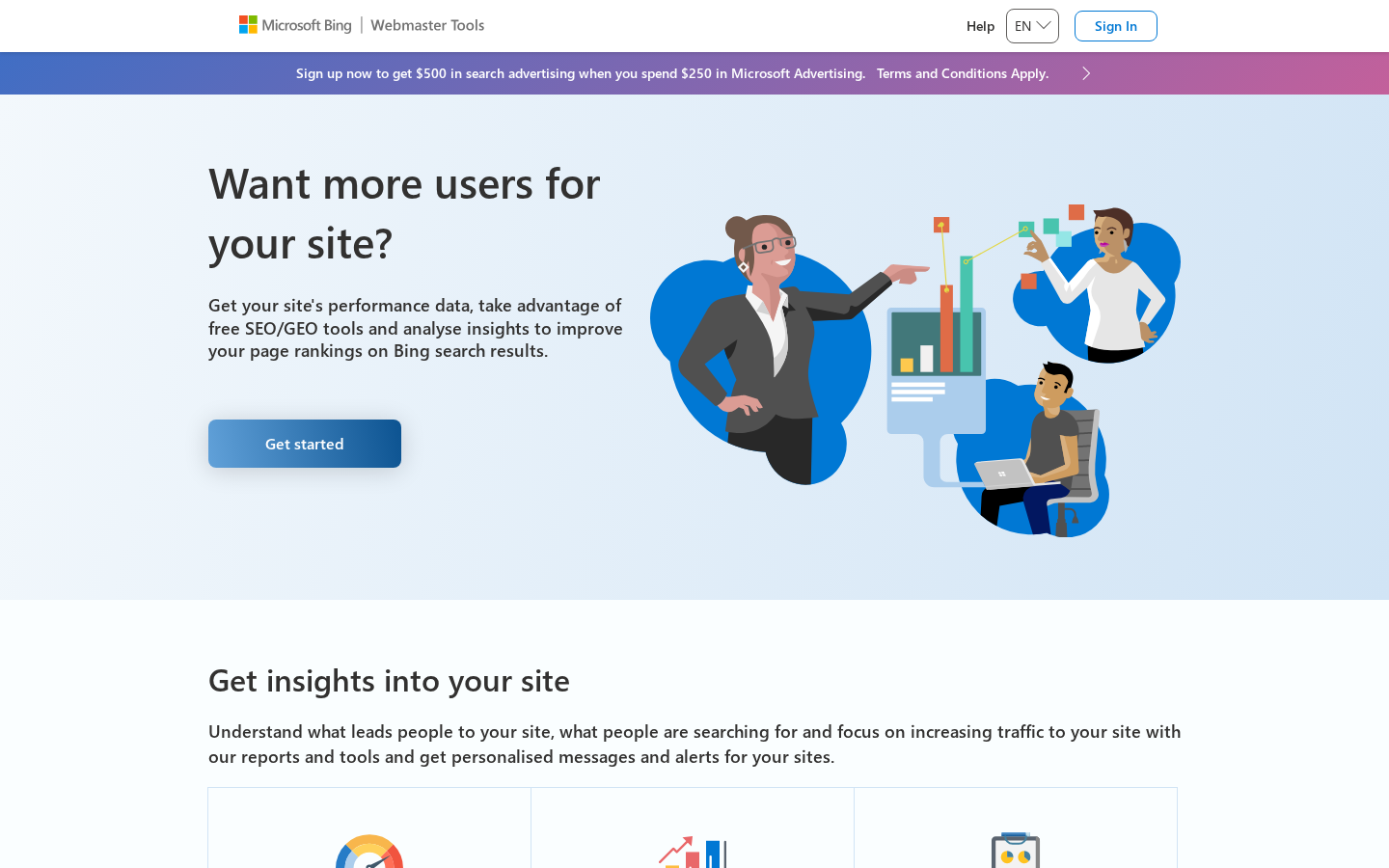
Bing Webmaster Tools is free for any site owner who verifies their domain.
The data window has grown considerably. Bing extended Search Performance to 16 months in October 2024, up from a six-month view. In August 2025, Search Engine Roundtable reported a further extension to 24 months, with country and device filters. Those filters matter for rank tracking: you can now isolate desktop traffic in one country, which is the slice most B2B teams care about.
Three caveats apply to the position number in particular:
- It is an average. Each query’s position combines every appearance across locations, devices and dates in the range you select. A page that ranks 2nd in one country and 15th in another can show up as a single middling figure.
- Through the API, it is a whole number, refreshed weekly. The Bing Webmaster API reference returns
AvgClickPositionandAvgImpressionPositionas integers and states that the data will be updated every week. Small movements are invisible at that resolution. - It only covers queries you already appear for. You cannot add a keyword you want to rank for and watch it climb from position 60. If Bing never showed you, the query does not appear in the report.
I covered verification, sitemaps and IndexNow in my guide to Bing Webmaster Tools for AI search. If you have not set it up yet, do that before you look at any paid Bing rank tracker. It is free, and it is the only source of Bing data drawn from real searches rather than a simulated check.
Bing Webmaster Tools vs a rank tracker: which number to trust
The two numbers answer different questions, and they will disagree. Neither is wrong.
| Bing Webmaster Tools | Bing rank tracker | |
|---|---|---|
| What the position means | Average across all real impressions in the period | One sampled position for a fixed location and device |
| Keywords covered | Only queries where you already appeared | Any keyword you add, whether you rank or not |
| Competitors | Not shown | Usually tracked alongside you |
| Location and device control | Filters on aggregated data | Set per check (country, city, device) |
| Freshness | Dashboard over a date range; API weekly | Typically daily |
| Clicks and impressions | Yes | No (estimates at most) |
| Cost | Free | Paid, usually priced per tracked keyword |
Use Bing Webmaster Tools to answer “is Bing sending us traffic, for which queries, and is it growing?” Its numbers come from what actually happened, so they are the ones to put in front of leadership.
Use a rank tracker to answer “did a change move us for the keywords we care about, and who is above us?” Its numbers come from a controlled, repeated check, so they are the ones to debug with.
When they disagree, the cause is almost always one of three things:
- Context mismatch. The tracker checks desktop in one city; most of your real impressions come from another country or from mobile.
- Averaging. Webmaster Tools blends strong and weak positions into one figure, and the API rounds it to a whole number.
- Different keyword sets. The tracker includes keywords where you sit beyond the first few pages. Webmaster Tools only lists queries where Bing actually showed you.
Bing rank tracker options
There are three ways to get Bing rankings beyond Webmaster Tools: a dedicated rank tracker with Bing support, a SERP API you build on, or a free one-off checker. Microsoft’s own route is gone: the public Bing Search APIs were retired on 11 August 2025. Existing instances were decommissioned completely, and Microsoft pointed customers to Grounding with Bing Search in Azure AI Agents, which feeds web results into AI agents rather than reporting rankings. Every option below now collects Bing results through its own infrastructure.
I have left prices out. They change often, and you should check them on each vendor’s page in your own currency.
Dedicated rank trackers with Bing support
- SE Ranking. SE Ranking says it tracks the top 100 Bing organic results for any keyword, daily, in any country, with competitor tracking. Its own FAQ points out that Bing Webmaster Tools gives you some performance data, including average positions, for free.
- Nightwatch. Nightwatch describes daily Microsoft Search Network rankings by location and device, configurable down to city level for local results. That is useful if you sell into specific metro areas.
- Semrush Position Tracking. According to Semrush’s documentation, a Position Tracking report reflects results for either Google or Bing. You can also filter for Bing keywords that trigger AI SERP features such as Ask AI or AI Chat. If your team already uses Semrush, this is the shortest path.
- SEO PowerSuite Rank Tracker. SEO PowerSuite Rank Tracker monitors Bing positions by country, region or target market, and tracks mobile separately from desktop.
Not every major SEO suite tracks Bing, so confirm Bing support in the vendor’s own documentation before you commit to a platform.
SERP APIs, since the Bing Search API was retired
If you want Bing positions in your own data warehouse or dashboard, a SERP API is the more flexible route. For example, DataForSEO’s Bing SERP API returns the top 10 organic and paid results for a keyword, location and language. An advanced mode also covers featured snippets and other SERP elements.
The trade-off is engineering time. You own scheduling, storage, deduplication and the logic that finds your domain in the results. For a team that already runs a data pipeline, that is a small job. For a marketing team without developer time, a dedicated tracker is the better choice.
Free one-off Bing rank checkers
Several sites offer a free Bing rank checker: enter a keyword and a domain, and get a position back. These are fine for a spot check. They are not tracking. There is no history, the location and device settings are often unclear, and running them by hand every week costs more time than a tracker costs money.
How to choose a Bing rank tracker
Run through this checklist before you start a trial:
- Markets. Can it check Bing in every country you sell into, and at city level if local results matter to you?
- Devices. Does it separate desktop from mobile? For B2B, desktop is usually the number that matters.
- Depth. How many results deep does it check? Top 100 lets you see keywords that are climbing towards page one. A shallow check only shows you when you have already arrived.
- SERP features. Does it record Bing’s AI answers and other features on the results page, or only the blue links?
- Competitors. Can you track named competitors on the same keyword set?
- Export. Is there an API or scheduled export, so Bing positions can sit next to your Google data and Webmaster Tools figures?
- Overlap. If you already pay for a suite that tracks Google, check whether Bing is included before you buy a second tool.
If a tool fails on markets or export, rule it out, however good its interface is.
How I set up Bing tracking for a SaaS site
When I set up measurement for a client, the goal is a small, reliable system the team will actually look at, not more dashboards. For Bing, that usually has four parts.
1. Bing Webmaster Tools as the source of record. I verify the site, submit the sitemap and set up IndexNow. Then I pull Search Performance data through the Webmaster API on a weekly schedule, which matches Microsoft’s own update cadence. Those clicks, impressions and average positions land in a Looker Studio dashboard next to Google Search Console.
2. A rank tracker for a small, fixed keyword set. I do not recommend tracking hundreds of keywords on Bing. Track a few dozen commercial terms that map to pipeline, such as product category, comparison and “alternative to” queries. Track them only in the countries the company sells into, on desktop. That keeps the data meaningful and the cost low.
3. An annotation habit. Every release that touches templates, internal linking, structured data or redirects gets a date marker on the dashboard. Without it, a ranking change on Bing is hard to explain. With it, you can line the change up against what shipped.
4. A monthly AI citation review. Once a month I look at the AI Performance report in Webmaster Tools alongside the ranking data. It answers a different question, covered in the next section.
How to know it is working: after four to six weeks, you should be able to answer three questions without opening a spreadsheet. How much organic traffic does Bing send compared with Google? Which priority keywords moved on Bing, and after which release? Which pages Copilot cites? If you cannot answer those, the setup is collecting data nobody uses.
If you want Bing traffic tied to pipeline rather than sessions, that is part of my full-funnel tracking work. My guide to tracking AI referral traffic covers the analytics side for Copilot and ChatGPT visits.
Beyond rankings: Copilot citations, and where Bing data stops
Bing rankings now feed something beyond Bing’s results page: Copilot. That is why the AI Performance report in Bing Webmaster Tools, launched in public preview on 10 February 2026, belongs in any Bing tracking setup. Microsoft says it shows how your content appears across Microsoft Copilot, AI-generated summaries in Bing and select partner integrations. It reports total citations, cited pages, page-level citation activity and the grounding queries the AI used to retrieve your content.
Read it carefully. Microsoft states that the cited-pages figure does not indicate ranking, authority or the role of any page within an individual answer. It also says the grounding-query data represents a sample of overall citation activity. A citation count is not a position, and you cannot rank-track it like a keyword. Use it to see which pages Copilot relies on and which topics it retrieves you for. Then check whether those pages are also the ones you rank for on Bing. My guide on how to get cited by Microsoft Copilot covers what to change when they are not.
The hard boundary is ChatGPT. Bing Webmaster Tools shows Microsoft surfaces and Microsoft’s partners. It does not show whether ChatGPT cites you, and ranking well on Bing does not replace the work OpenAI requires. OpenAI’s crawler documentation states that OAI-SearchBot is used to surface websites in ChatGPT’s search features. Sites that opt out of OAI-SearchBot will not be shown in ChatGPT search answers. So check your robots.txt and firewall rules for OAI-SearchBot separately, and track ChatGPT citations with a separate method. I compare the two assistants in Copilot vs ChatGPT.
To sum up: a Bing rank tracker tells you where you rank on Bing, and Bing Webmaster Tools tells you what Bing and Copilot actually did with your pages. Neither tells you anything about ChatGPT. If you are unsure which of these layers is holding your site back, my free SEO and GEO health check scores one priority page and returns the top three fixes within about 48 hours.
Frequently asked questions
Is there a free Bing rank tracker?
Bing Webmaster Tools is the free option. It shows clicks, impressions and average position for queries where your site already appears, with up to 24 months of history. It does not track keywords you have not ranked for yet, and it does not show competitors. For that you need a paid Bing rank tracker or a SERP API.
How do I check my keyword rankings on Bing?
Verify your site in Bing Webmaster Tools and open the Search Performance report, filtered to the country and device you care about. For daily positions on a fixed keyword list, including competitors, add those keywords to a rank tracker that supports Bing, such as SE Ranking, Nightwatch, Semrush or SEO PowerSuite.
Does Bing Webmaster Tools show my exact ranking?
No. It shows an average position across all the impressions in your selected period, locations and devices. Through the Webmaster API, that average comes as a whole number refreshed weekly. A rank tracker shows the exact position for one configured context instead.
Why are my Bing rankings different from my Google rankings?
Bing and Google run separate indexes and separate ranking systems, so the same page often ranks differently on each. Track both engines for your priority keywords, and compare Bing Webmaster Tools with Google Search Console side by side rather than assuming one engine mirrors the other.
Does my Bing ranking affect Copilot?
Copilot sends a generated search query to Bing when it uses the web, so pages Bing can find and rank are the pages Copilot can draw on. The AI Performance report in Bing Webmaster Tools shows which of your pages Copilot cites. It does not show your position inside an answer, and it does not cover ChatGPT.